Make your first form
Three questions and a look — your form is ready in about a minute.
-
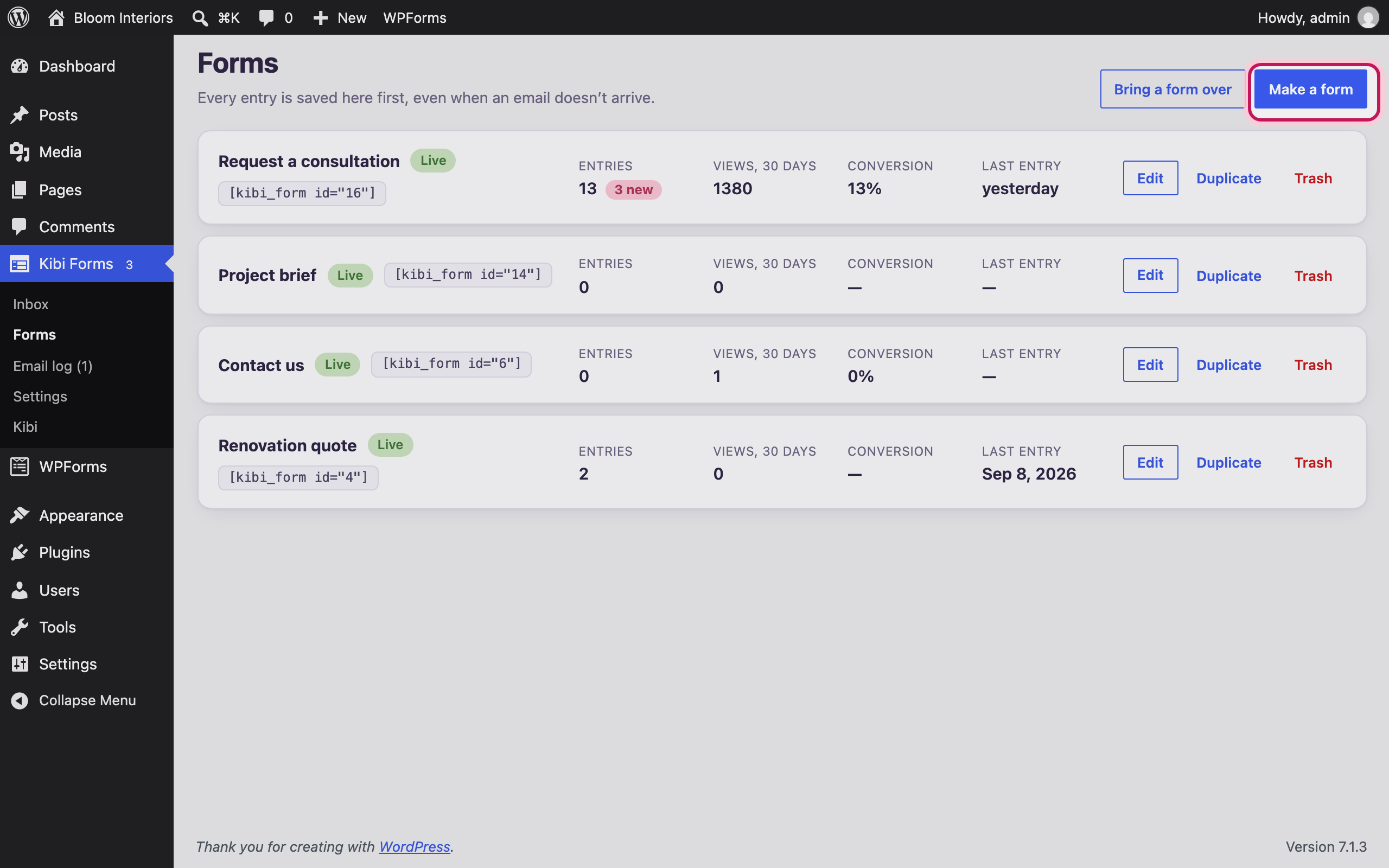
Open Kibi Forms → Forms
In your WordPress dashboard, open Kibi Forms → Forms and choose “Make a form”.
-
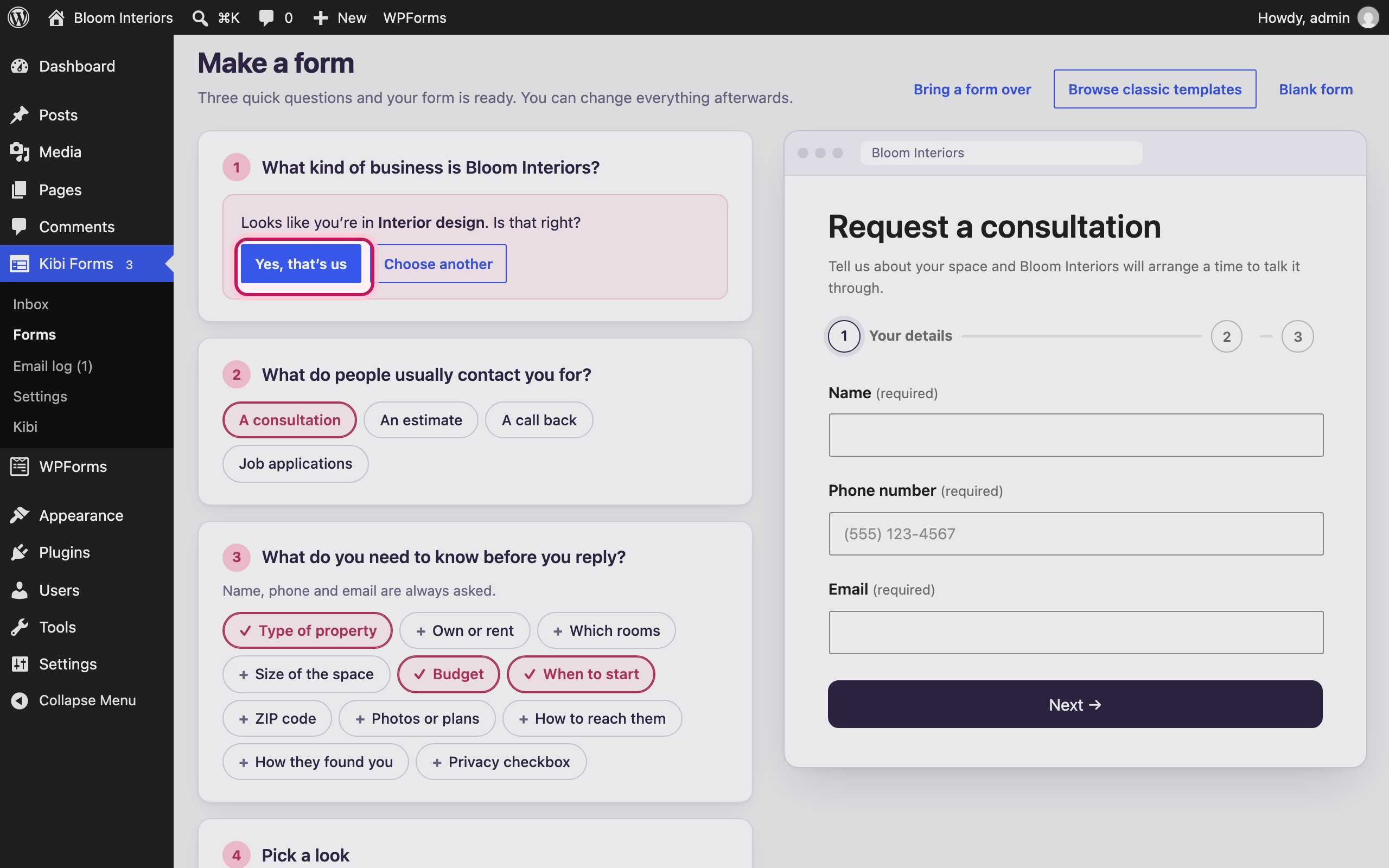
It guesses your business
Kibi Forms reads your site’s title and menu and guesses what you do. Confirm it, or pick another of 13 business types.
-
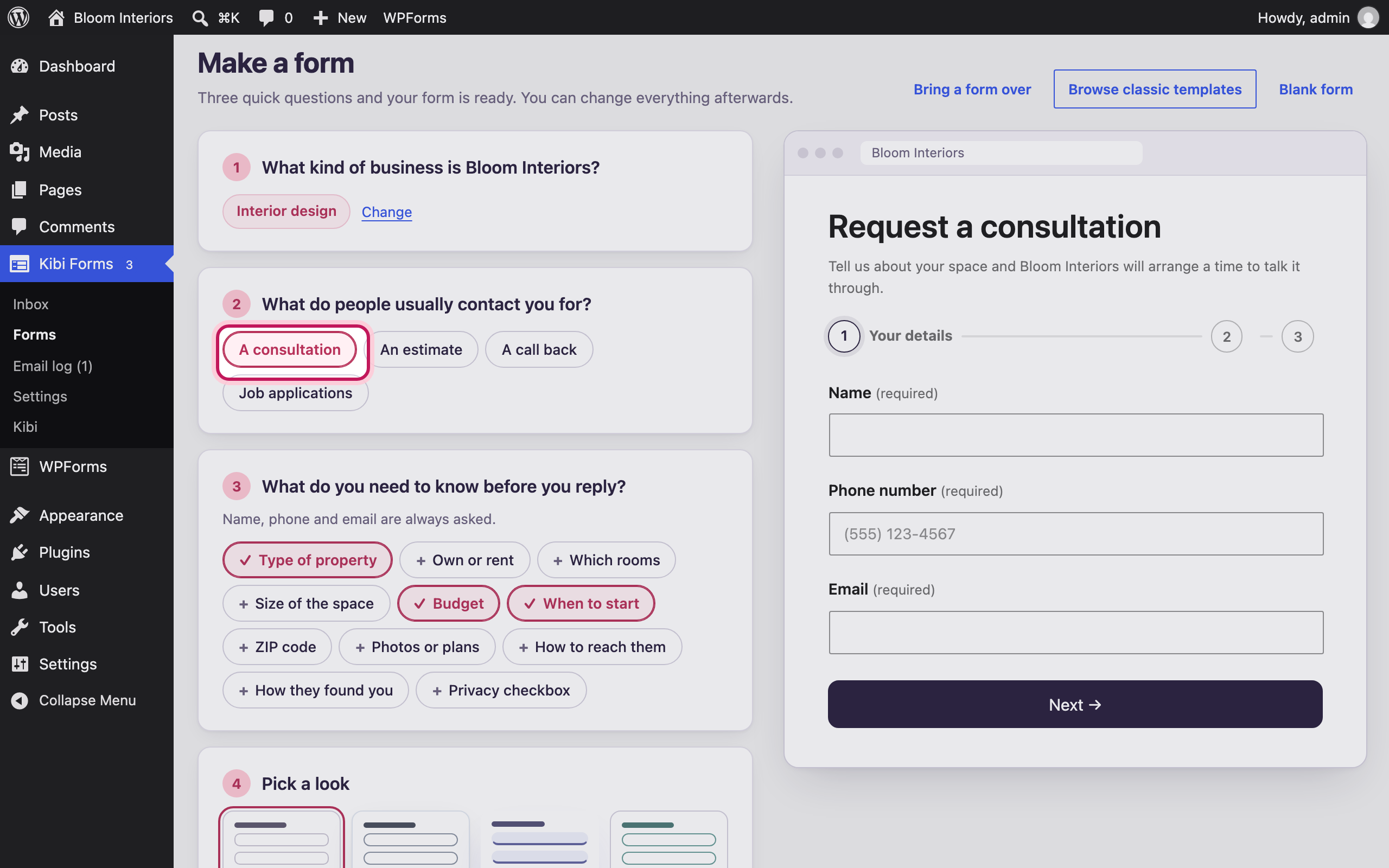
Why people get in touch
Choose what people usually contact you for — a quote, a booking, a call back, a consultation…
-
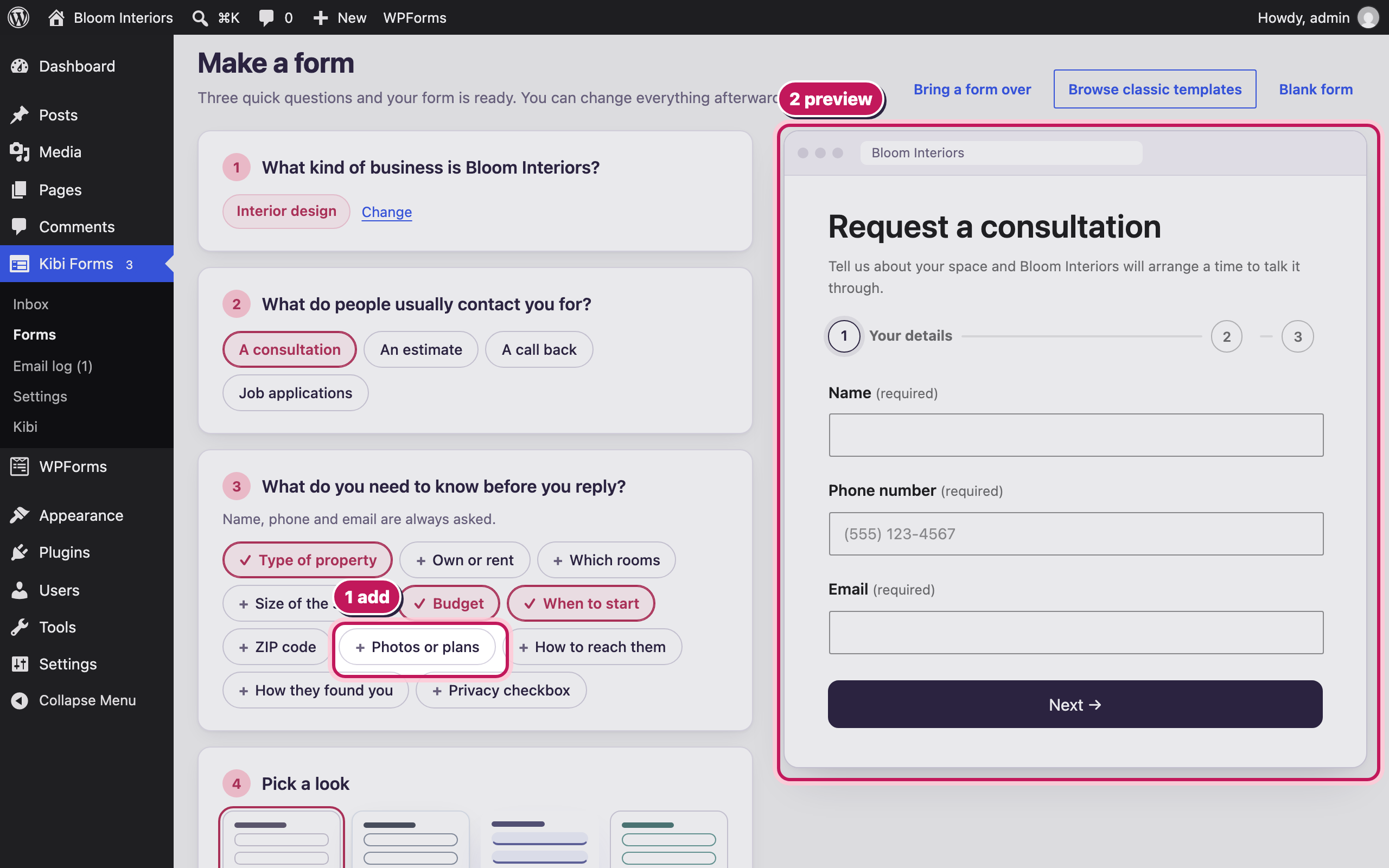
What you need to know
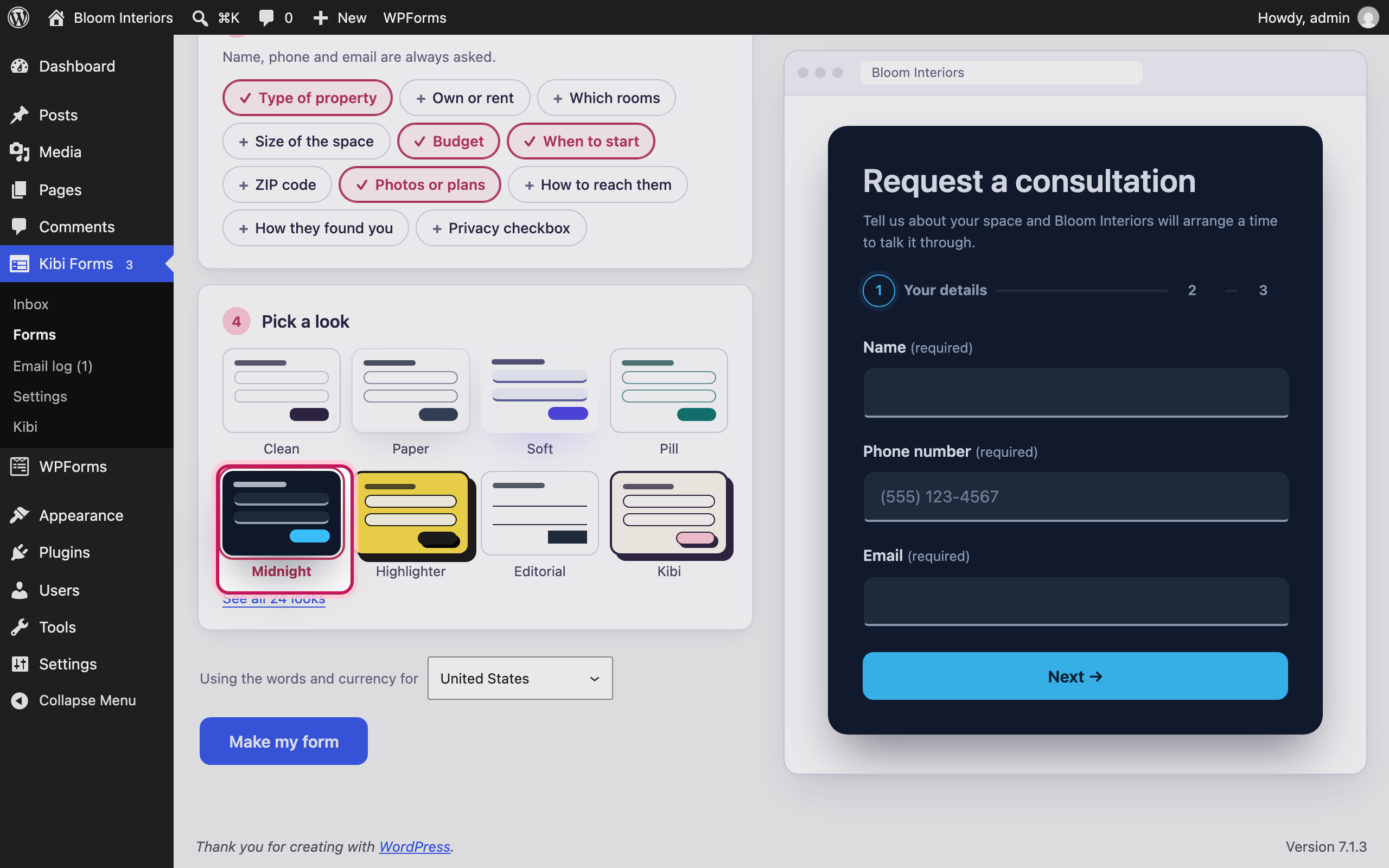
Name, phone and email are always asked. Tick anything else you need before you reply — the preview updates as you go.
-
Pick a look
Choose one of 24 designs — or “Clean” to match your theme. Colours and field styles can be changed later.
-
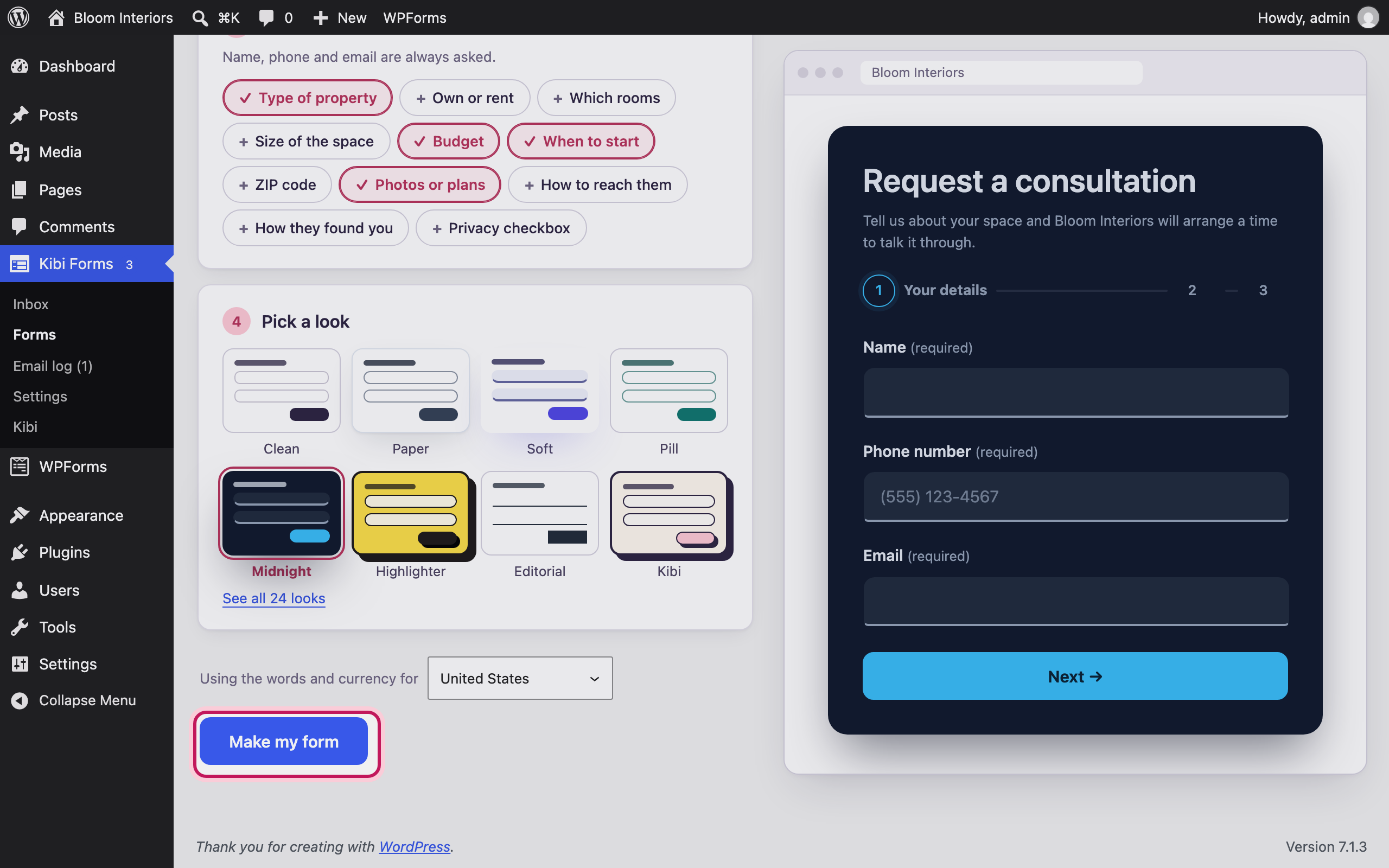
Make it
Choose “Make my form”. It opens in the builder, ready to publish.
-
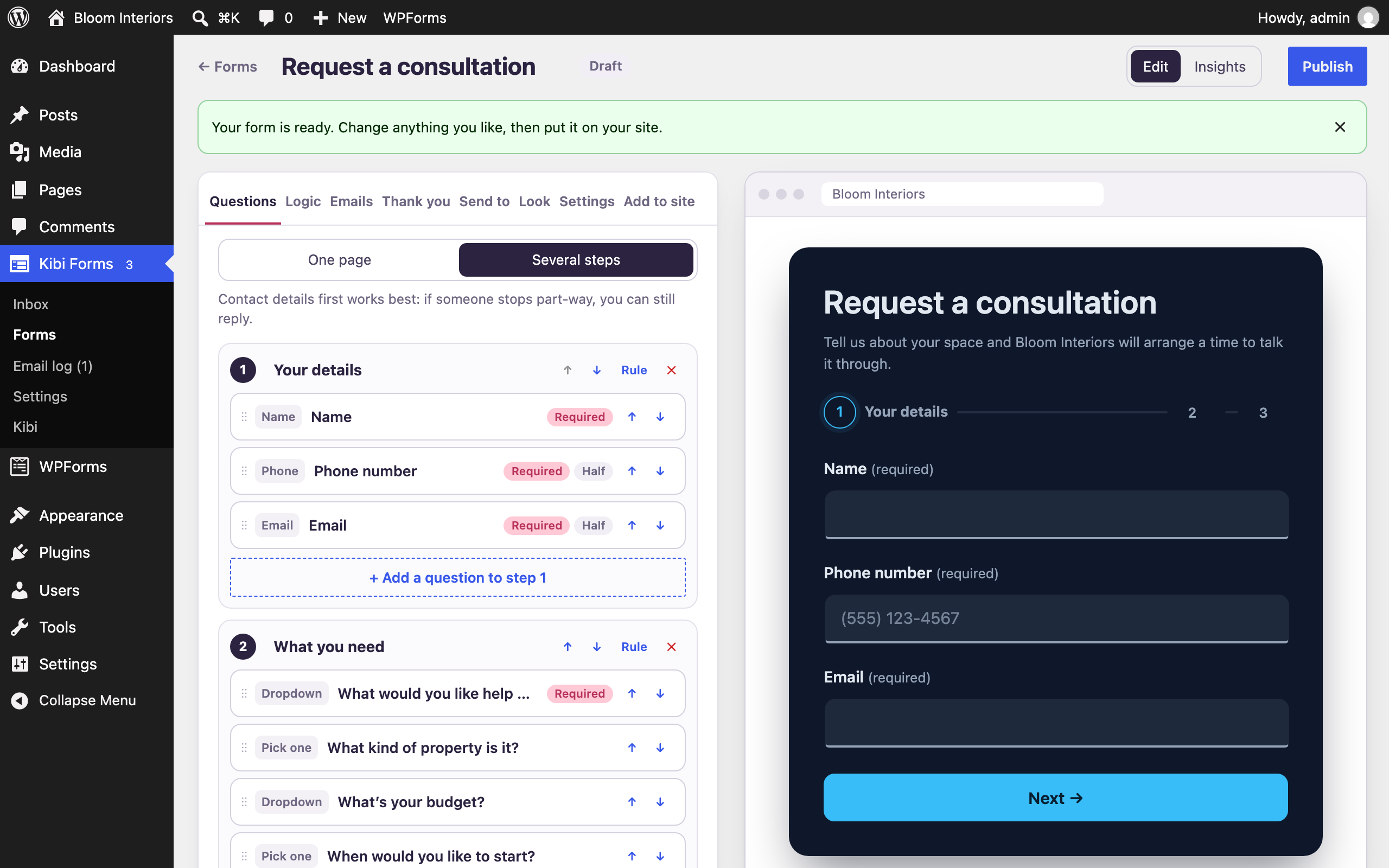
Your form is ready
Every question, email and thank-you message can be changed here. When you’re happy, put it on a page.
Bloom Interiors and the people shown are fictional demo details. Open any screenshot to view it full size in a new tab.