Add a design and make it yours
Build a Framer contact form, project brief or quote request from a finished native section, then match it to your site.
Free plugin · Coming to the Framer Marketplace. These are real captures of the packaged product. Kibi account required for entries and files sent to Kibi.
Choose a finished design
Open Kibi Forms in your Framer project and choose Designs. Pick the section that fits the job: a short contact form, a consultation request or a longer project brief.
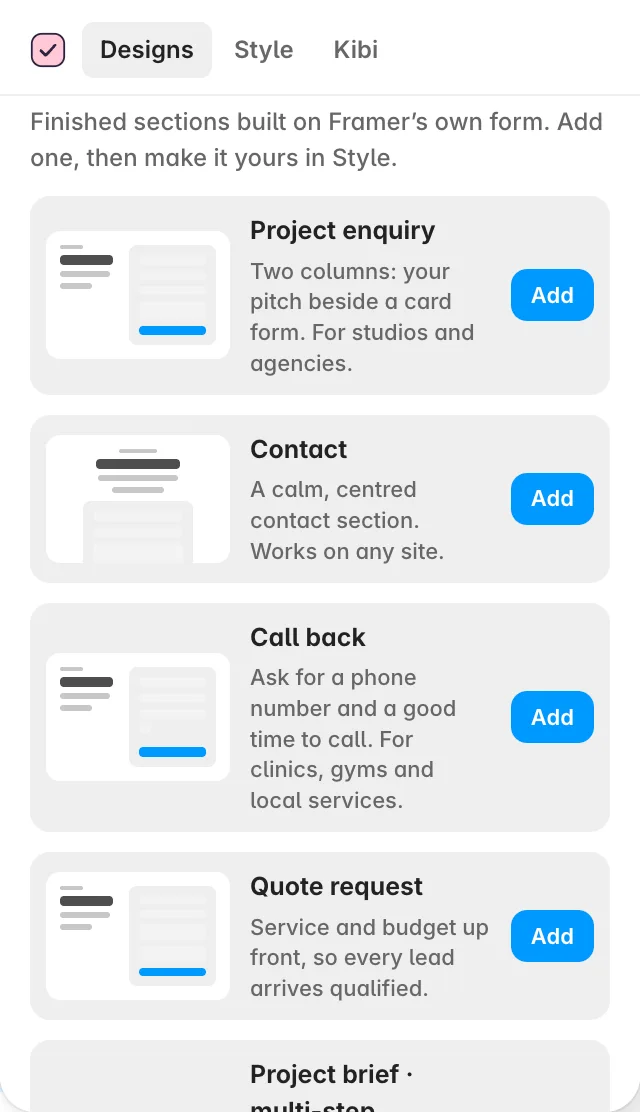
Add it to your canvas
Select the frame where you want the form, then press Add. Without a selected frame, the design lands on your first page. It stays editable Framer layers: check its position and width at your mobile breakpoint.
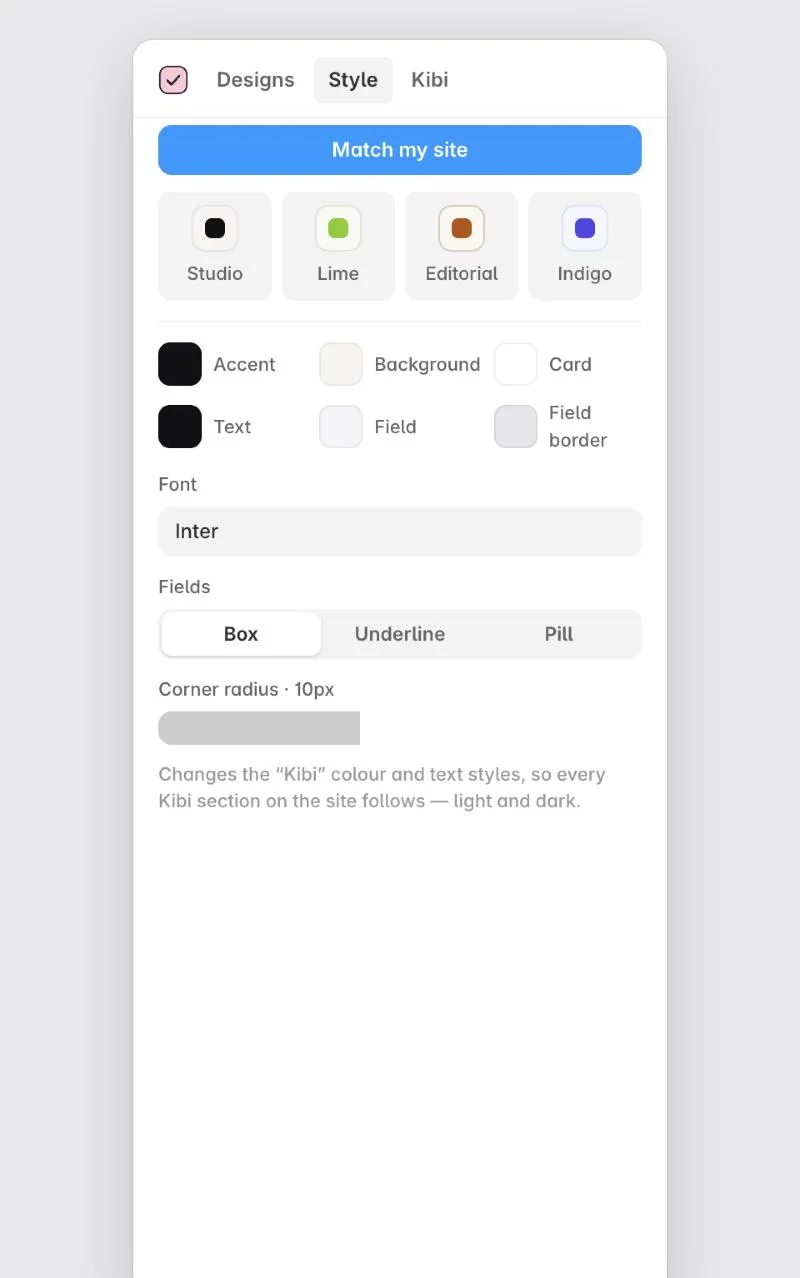
Make it feel like your site
Open Style. Choose a preset, colours, font and field shape, or use Match my site. The Kibi /… colour and text styles update every Kibi form together, in light or dark.
Screens show the real plugin and published test forms with illustrative details. Open a screenshot to view it full size in a new tab.