Add Kibi fields to any Framer form
Add a phone number field with country, picture choices, ratings or a file upload to a form you already designed.
Free plugin · Coming to the Framer Marketplace. These are real captures of the packaged product. Kibi account required for entries and files sent to Kibi.
Select the form or a field
Select an existing Framer Form, or a field inside it. In Kibi Forms, open Designs and choose Add a field.
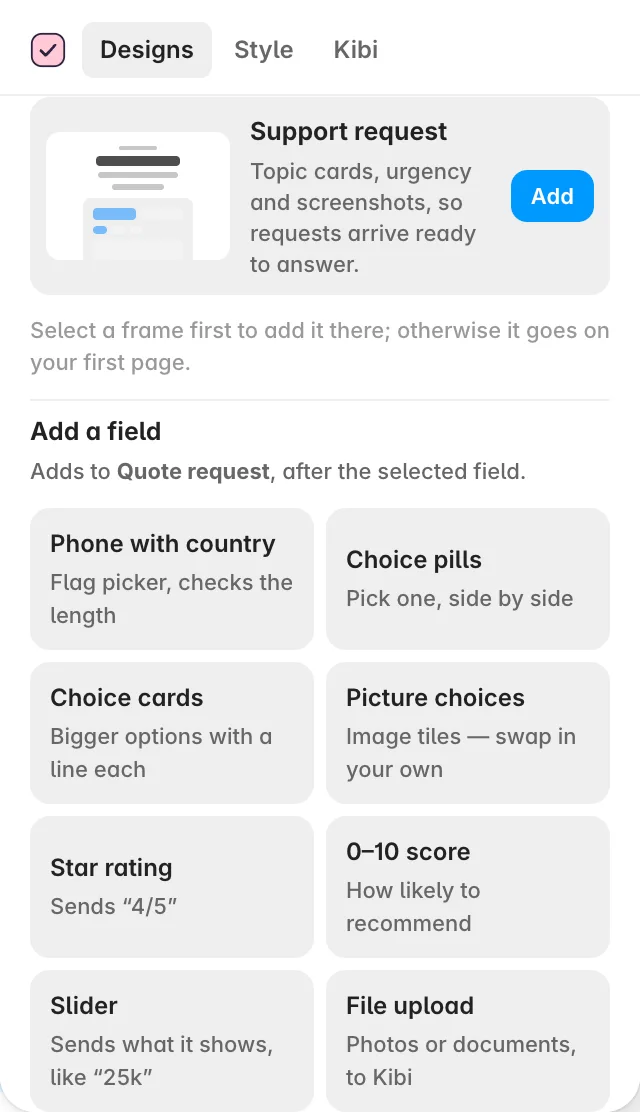
Choose the right input
Pick Phone with country, Choice pills, Choice cards, Picture choices, Star rating, 0–10 score, Slider or File upload. The new field goes after the selected field.
Give it a clear name and question
Use Framer’s right panel to change the wording and available options. Set a meaningful field name: Kibi uses that name when the answer arrives.
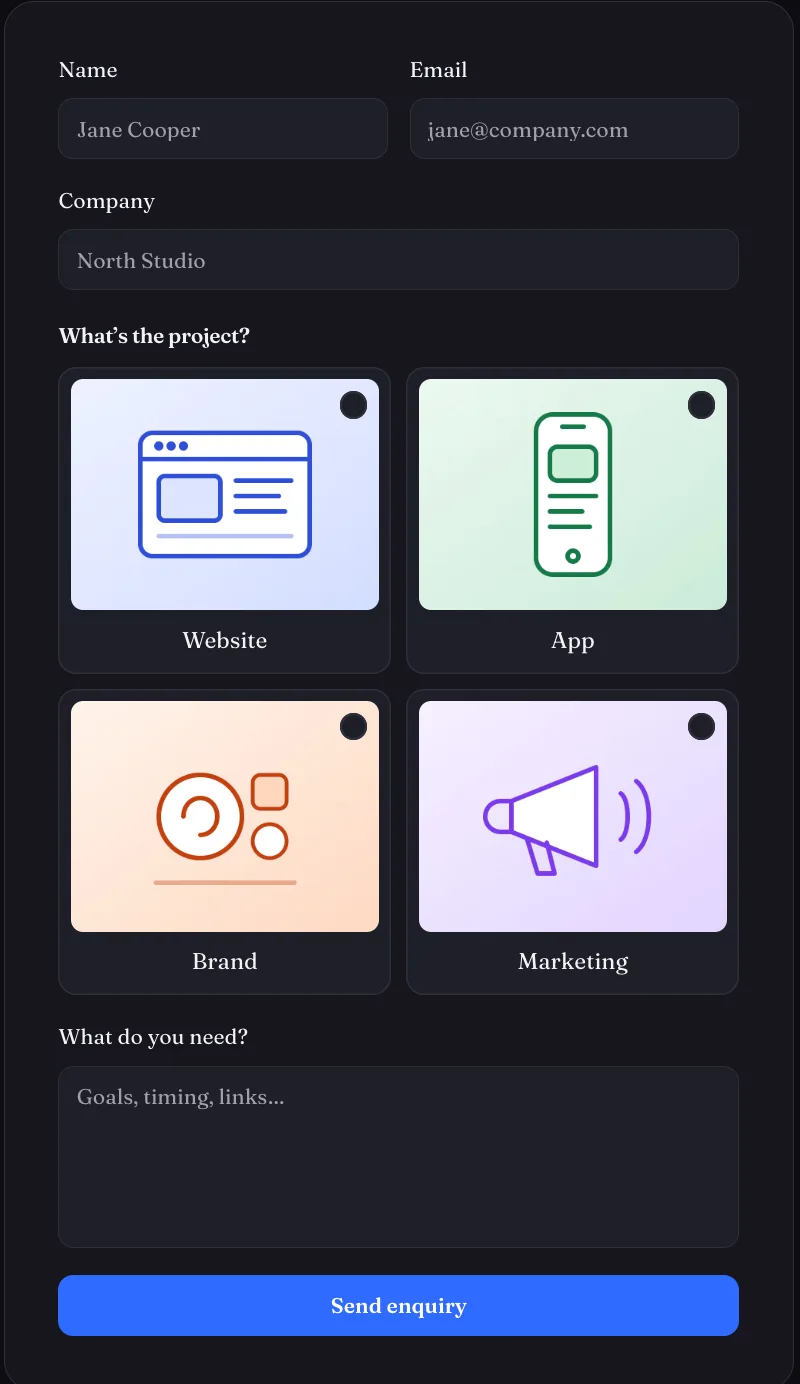
Screens show the real plugin and published test forms with illustrative details. Open a screenshot to view it full size in a new tab.