Build a Framer multi-step form with logic
Split a longer form into steps, show relevant questions and let a one-answer choice move the visitor forward.
Free plugin · Coming to the Framer Marketplace. These are real captures of the packaged product. Kibi account required for entries and files sent to Kibi.
Start with a multi-step design
Choose Project brief, Quick quote or Job application. Its Pages layer contains the steps, with progress and a Back action for visitors.
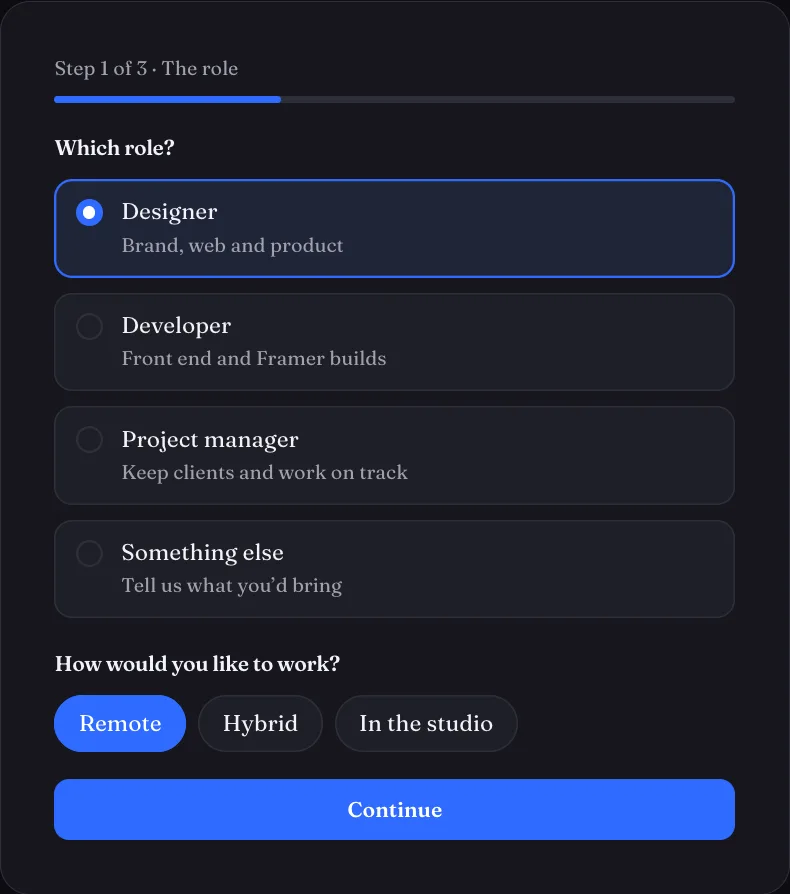
Set the step and question rules
Select the invisible Kibi Steps layer to set whole-step rules in Framer’s right panel. For individual questions, use Kibi Form Style. Show or skip the question or step based on an earlier answer.
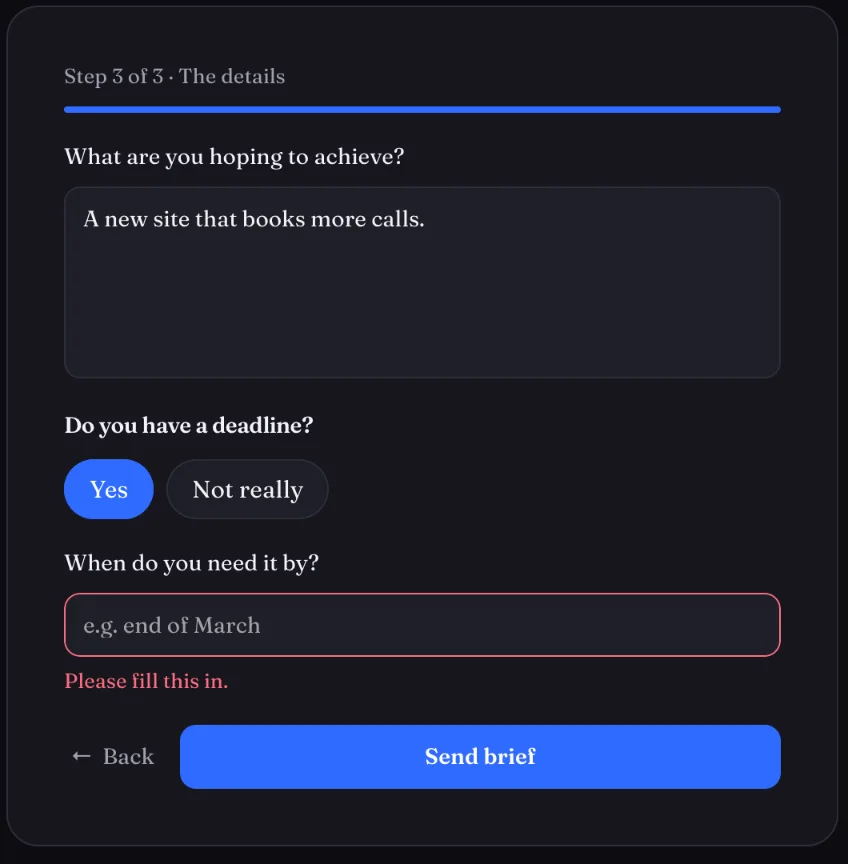
Use one-tap progression where it fits
On a one-answer choice, Go on: On pick moves to the next step when that choice is the step’s last question. Keep Back available so visitors can change their answer.
Check partial and final entries
On a connected multi-step form, progress can be saved as a lead once an email or phone is filled in. The final send completes that same enquiry. Make this behaviour clear in your own form’s privacy wording.
Screens show the real plugin and published test forms with illustrative details. Open a screenshot to view it full size in a new tab.