Make your first form.
Then make it yours.
Short steps for your Framer canvas, from picking a design to checking the enquiry in Kibi.
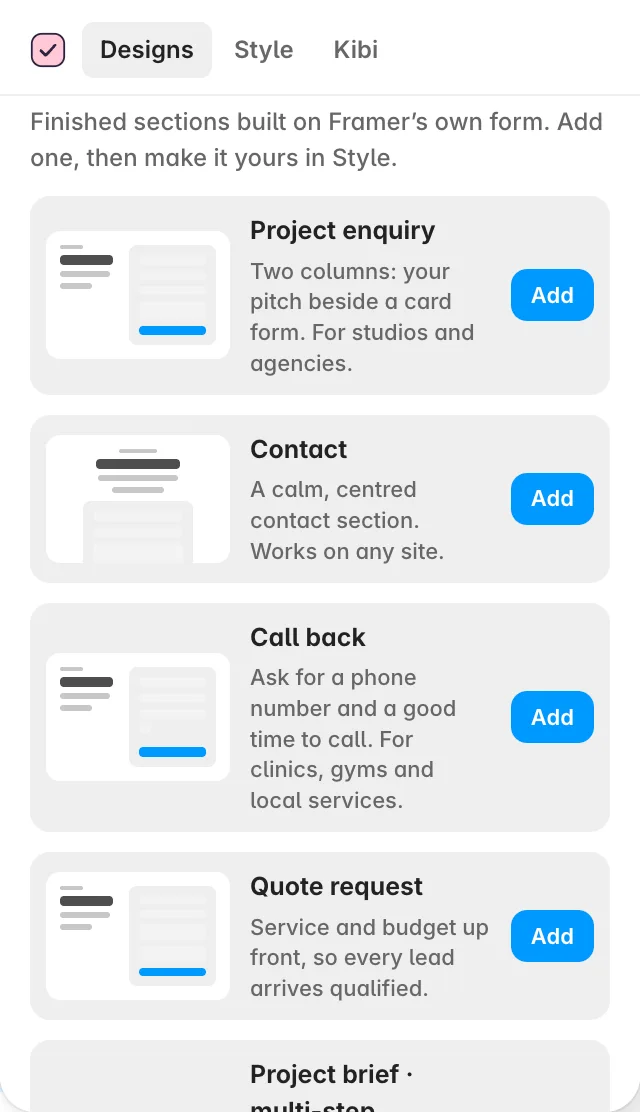
Add a design and make it yours
Build a Framer contact form, project brief or quote request from a finished native section, then match it to your site.
See the steps →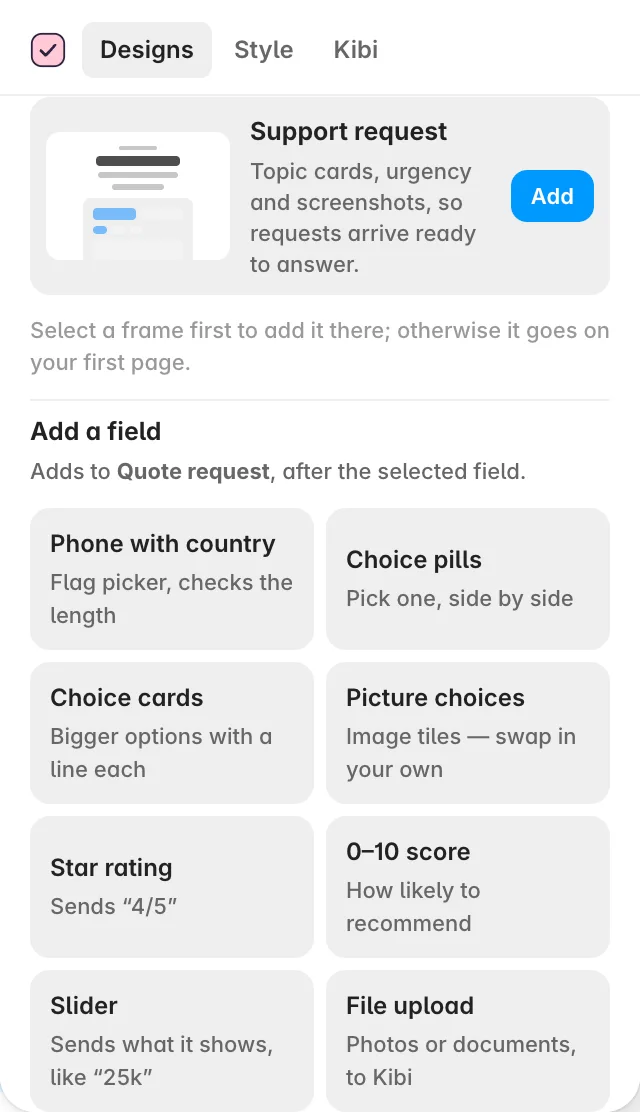
Add Kibi fields to any Framer form
Add a phone number field with country, picture choices, ratings or a file upload to a form you already designed.
See the steps →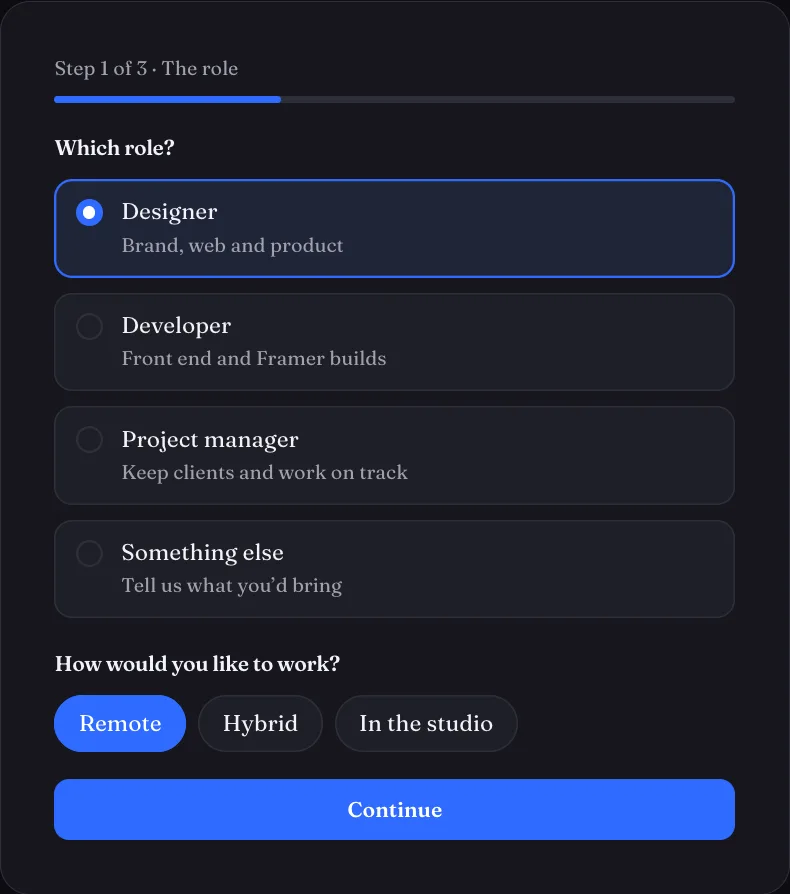
Build a Framer multi-step form with logic
Split a longer form into steps, show relevant questions and let a one-answer choice move the visitor forward.
See the steps →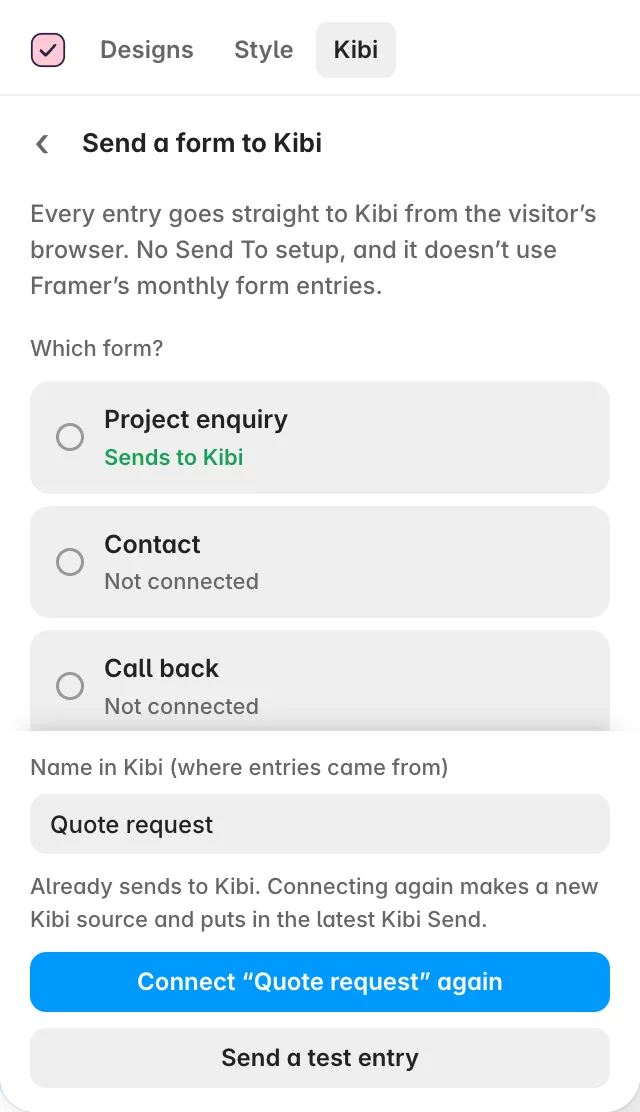
Send Framer form entries to Kibi
Connect your Framer form to Kibi CRM, send a test entry and publish with a clear submission and follow-up path.
See the steps →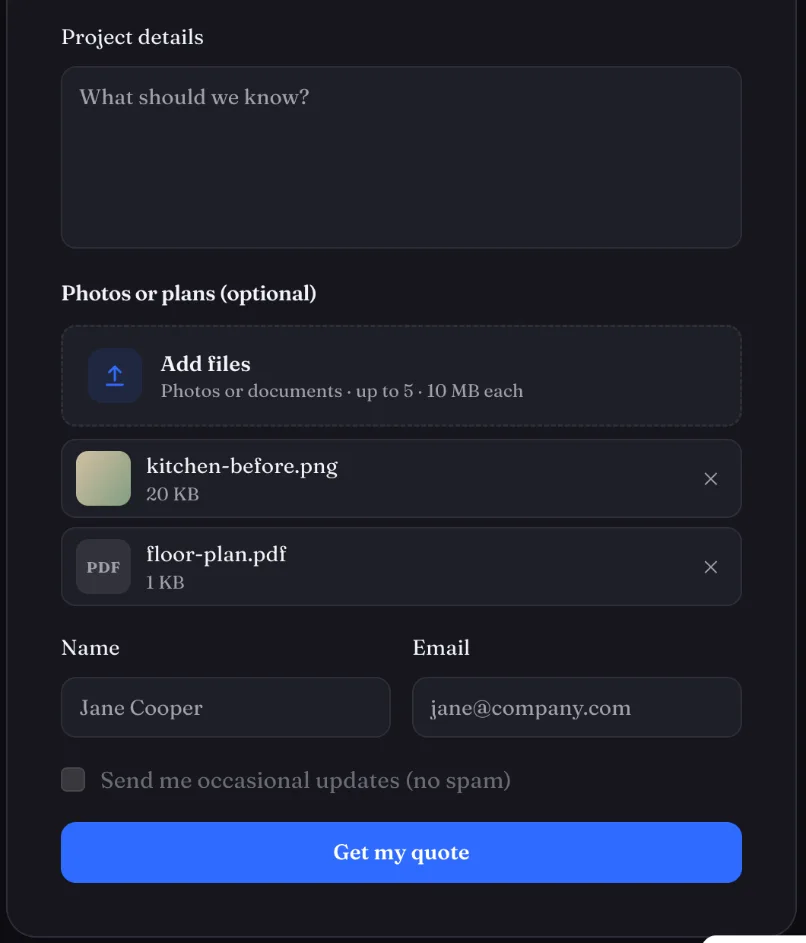
Take file uploads on a Framer form
Let visitors attach photos and documents, then find them on the Kibi enquiry under the question they answered.
See the steps →GUIDE 06 · 3 STEPSKeep your Kibi parts up to date
Apply updates to the Kibi parts in your Framer project while keeping their settings and placement.
See the steps →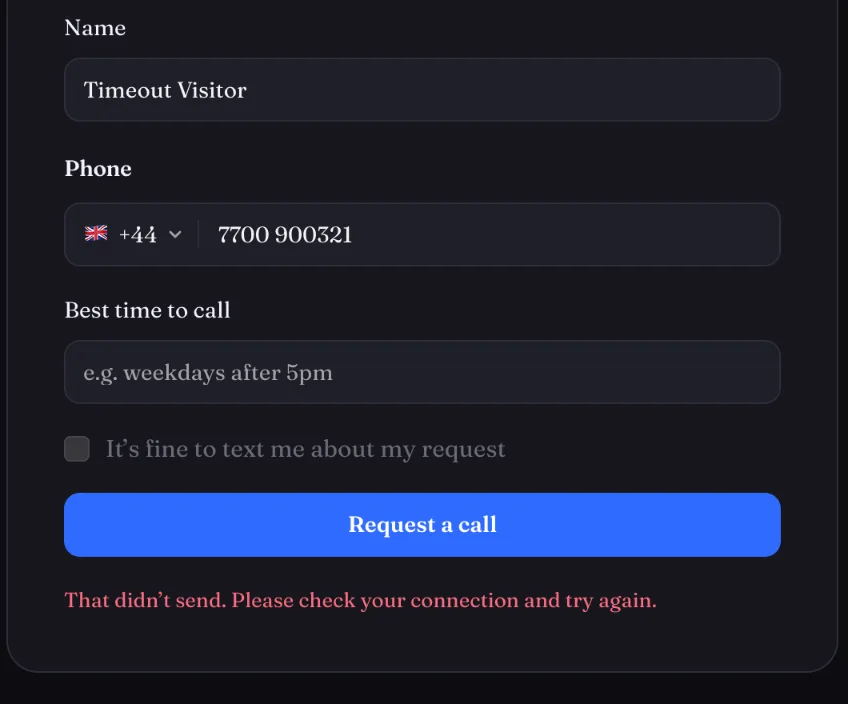
Fix common Framer form connection problems
Check missing entries, failed uploads, duplicate enquiries and field names without guessing what happened.
See the steps →