Send Framer form entries to Kibi
Connect your Framer form to Kibi CRM, send a test entry and publish with a clear submission and follow-up path.
Free plugin · Coming to the Framer Marketplace. These are real captures of the packaged product. Kibi account required for entries and files sent to Kibi.
Sign in from the Kibi tab
Open the Kibi tab in the plugin and sign in with the code sent by email. Designs, styling and fields are free without an account; sending entries to Kibi uses your Kibi account.
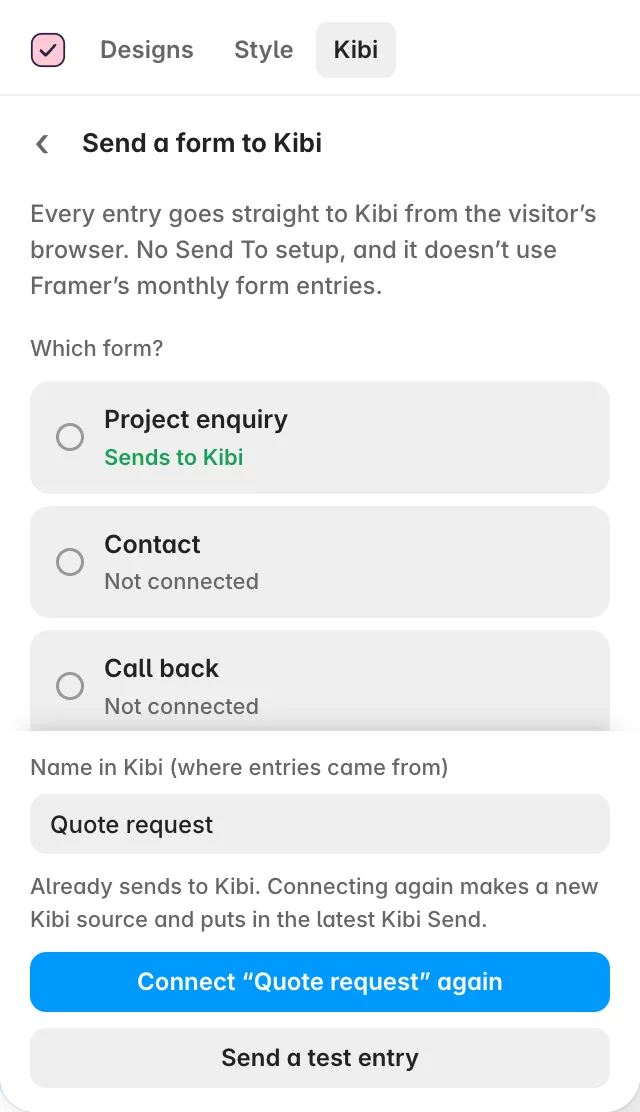
Choose the form to connect
Select Send a form to Kibi, choose the form from the list and press Send “…” to Kibi. Kibi Send posts entries directly from the visitor’s browser; no Framer Send To setup is needed.
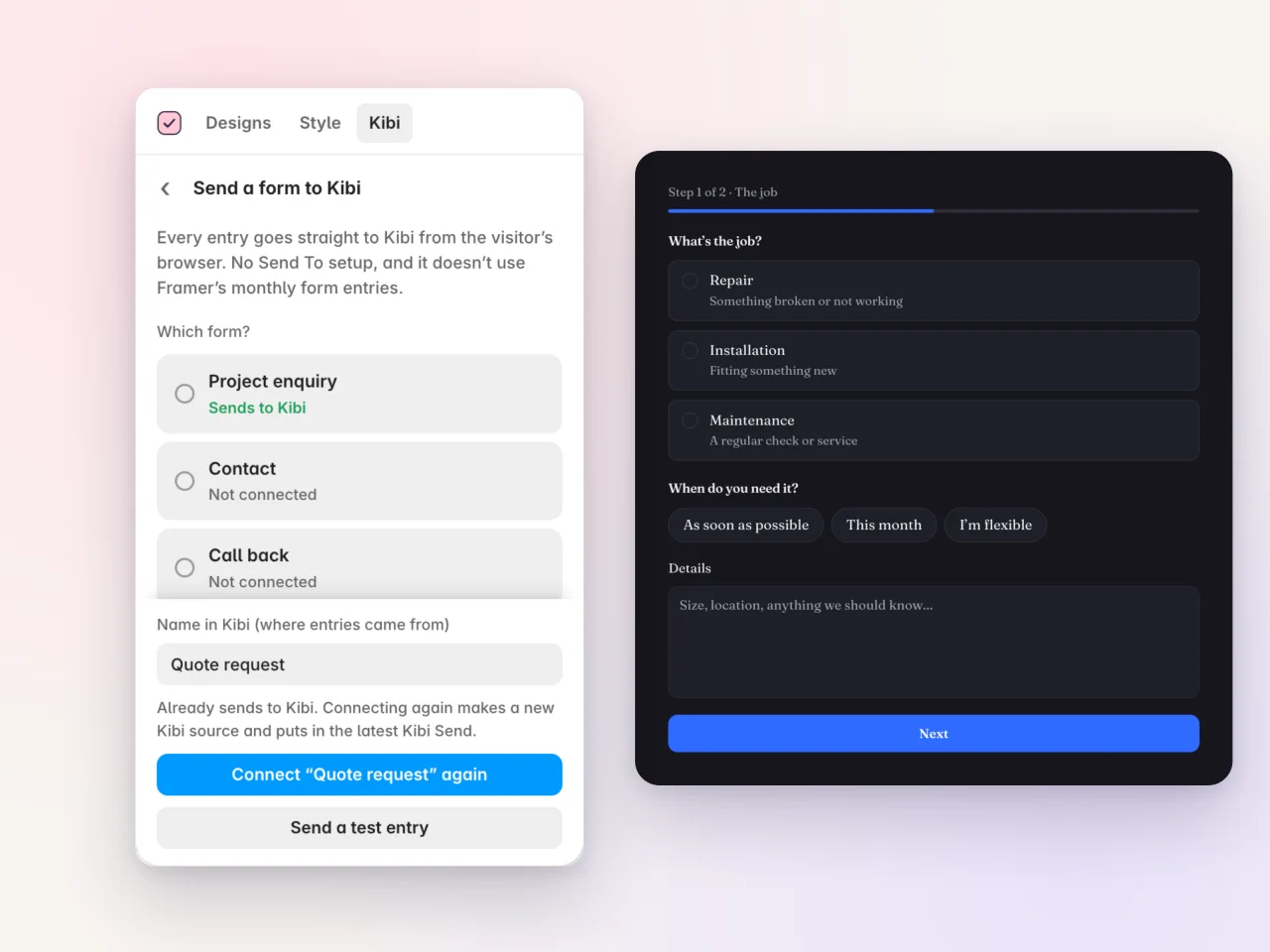
Send a test entry
Use Send a test entry to check the connection before publishing. Open the entry in Kibi and check that the field names and answers are what you expected.
Publish and test the visitor journey
Publish your Framer site, then send a fictional entry from the live page. Kibi saves it before showing the thank-you, retries twice if needed and shows a visible failure if it cannot be reached.
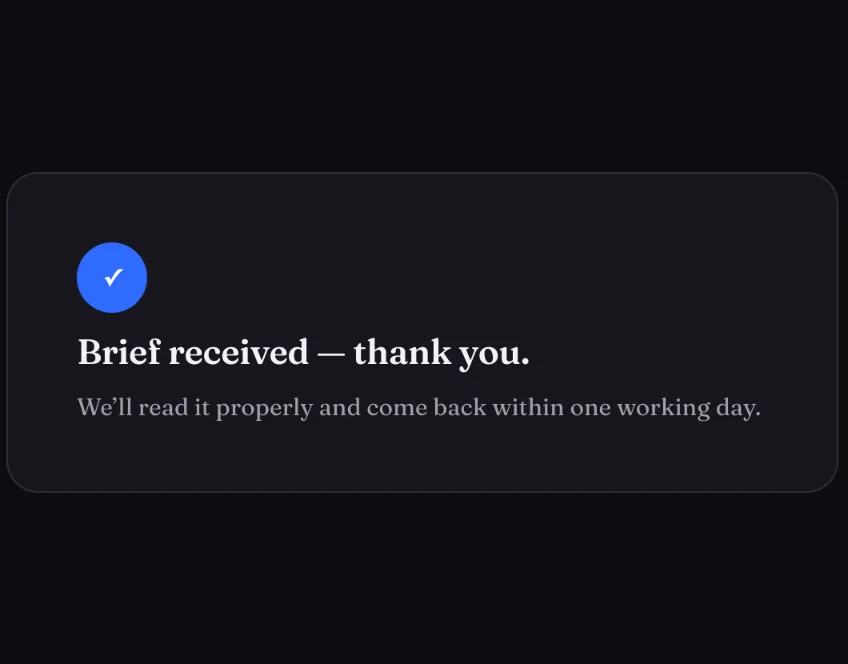
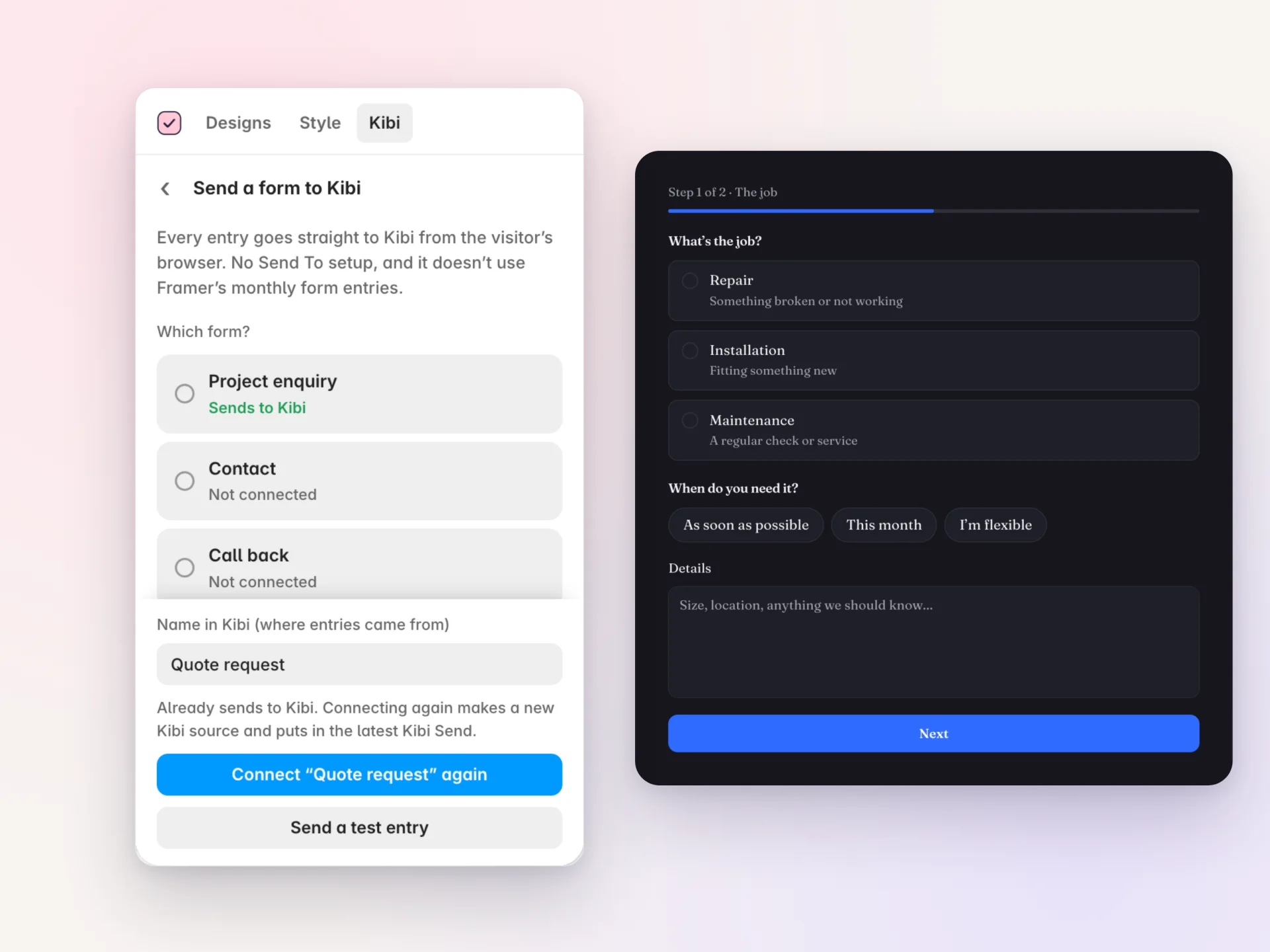
Screens show the real plugin and published test forms with illustrative details. Open a screenshot to view it full size in a new tab.