WhatsAppBetaAvailable after a short review
Before you start
Have access to the Meta business connected to your WhatsApp number and the business details or documents Meta asks for.
Connect it, step by step
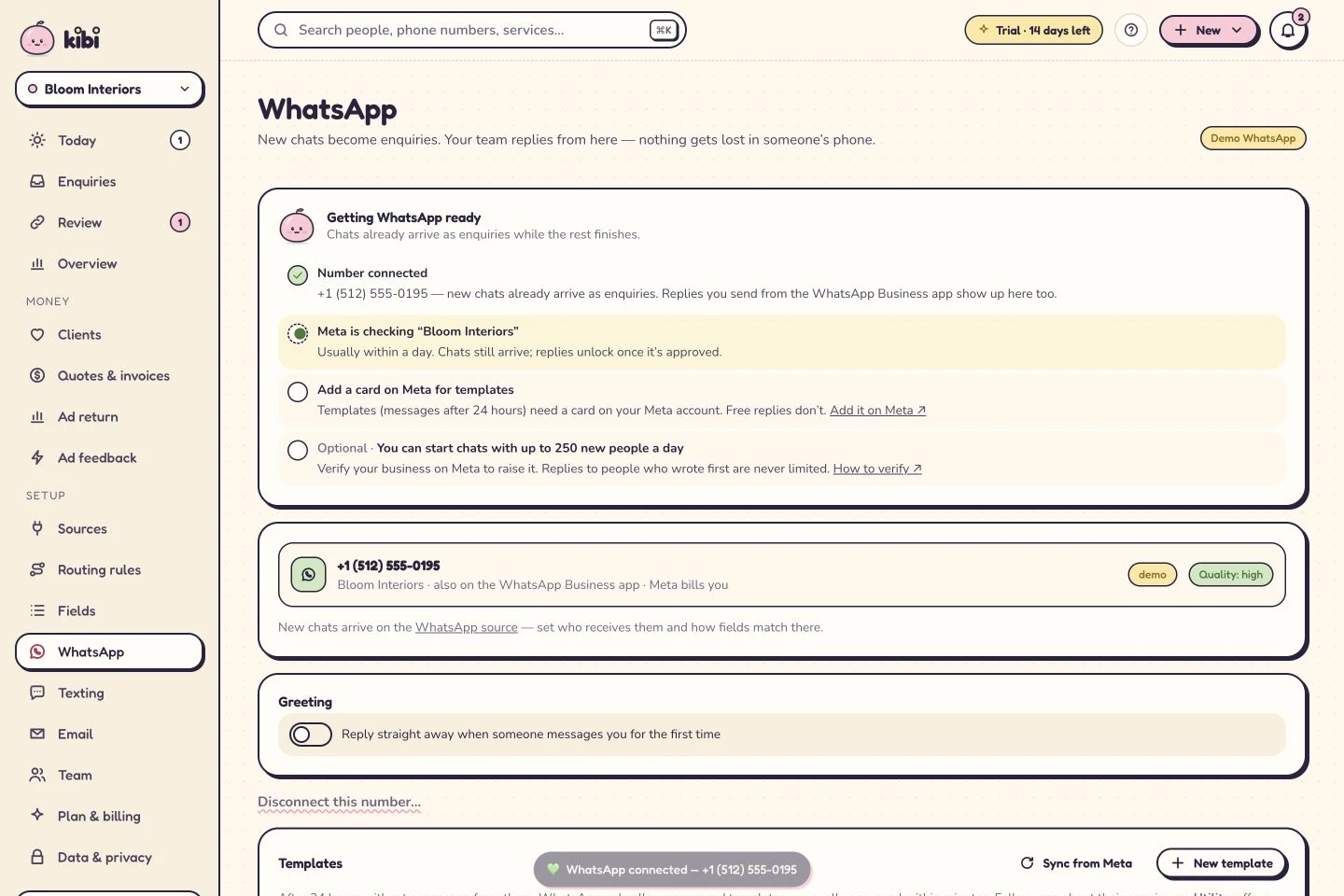
- In Kibi’s WhatsApp page, find business verification in “Getting WhatsApp ready”.
- Use its link to open the connected business’s Security Centre on Meta.
- Follow Meta’s verification prompts. Enter your business details and provide the evidence Meta requests for that business.
- Return to Kibi. The checklist updates when Meta reports verification and the number’s daily limit.
You can start chats with up to 250 new people a day. Verify your business on Meta to raise it.
What happens next
Chats keep arriving the whole time. Your current limit appears in Kibi’s checklist; verification and a payment method are separate checks.
If you get stuck
If Meta asks for corrections, follow its instructions for the selected business. Kibi shows the status Meta reports; it cannot approve the business on Meta’s behalf.
Related guides
Kibi screens shown here use a demonstration workspace. Use your own account details when you connect.